
Frequently Asked Questions
Here you can find the answers to the frequently asked questions regarding SyncZik
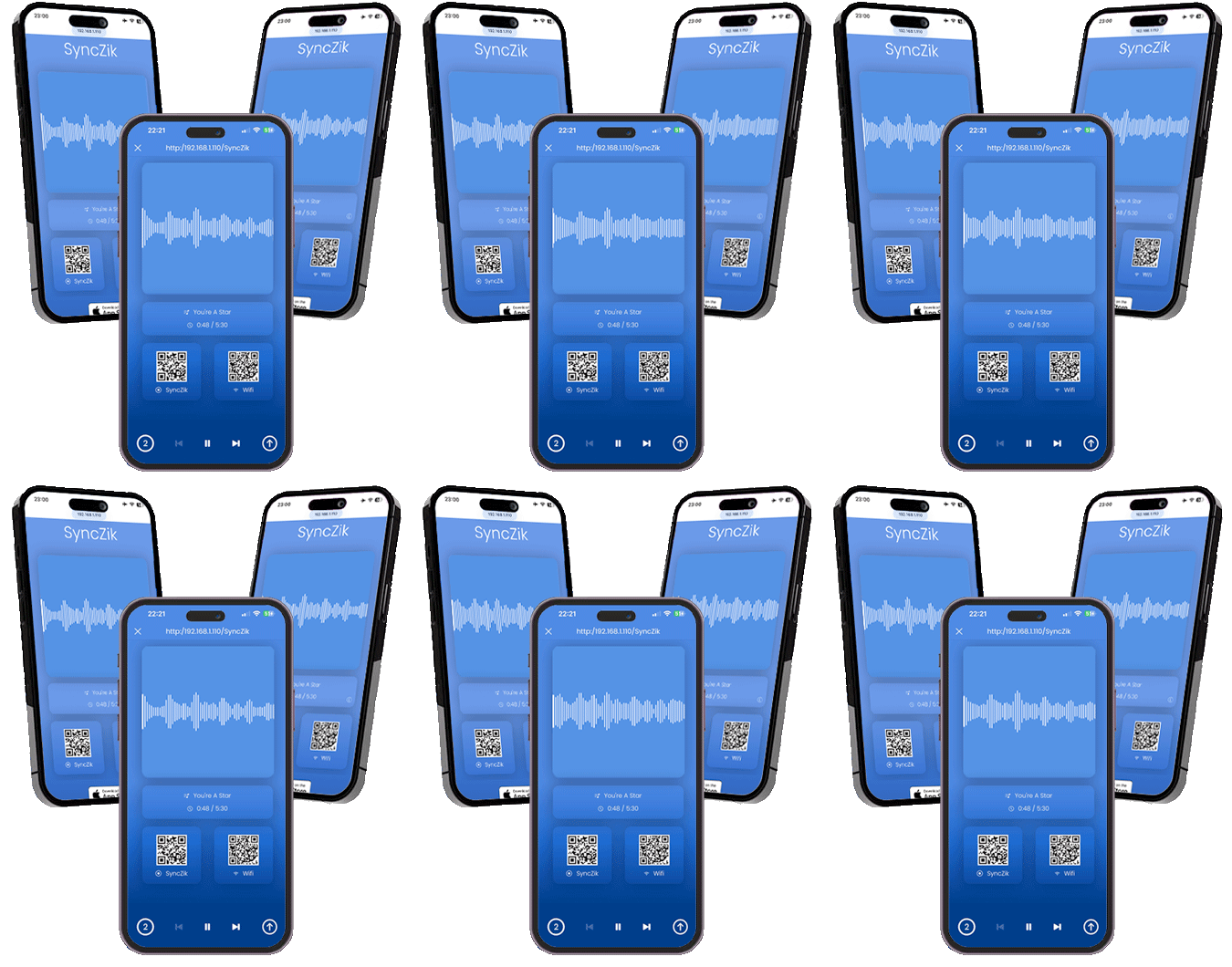
Amp up your music by playing it in sync on all the devices around you
With SyncZik you can use all the devices around you as remote speakers to play and amp up your music
Amp up your music by using all the devices around you as remote speakers and give your music a new dimension
On the beach, on top of a mountain, in the middle of nowhere... Wherever you are, you can party with your friends
There is no wifi network around you? No problem, create a personal hotspot and let's party
Your friends just need an internet browser to connect to the app, and start using their devices as a remote speakers
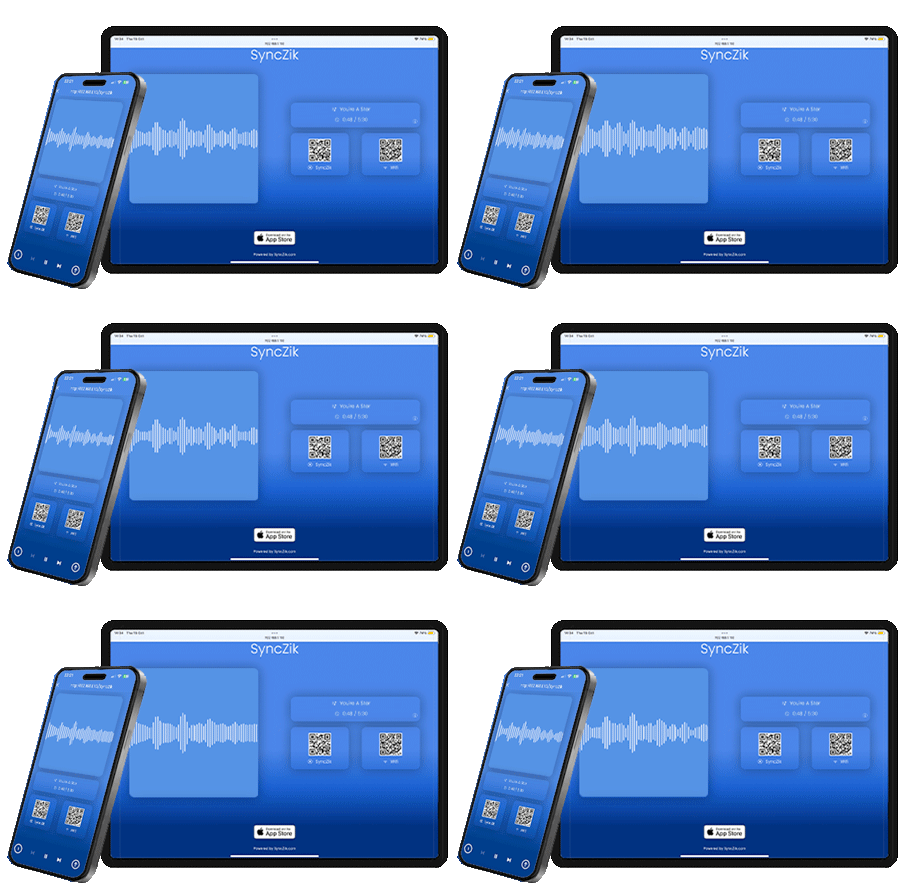
With SyncZik, you can use all the phones, tablets, computers, smart TVs around you as remote speakers, to play and amp up your music.
Whether you are on an isolated beach, on top of a mountain, in a remote forest or just in the middle of nowhere, you can still party with your friends.
With SyncZik, you already have everything you need to party anywhere. Create a personal hotspot to connect your friends' devices to the app, and let's party!
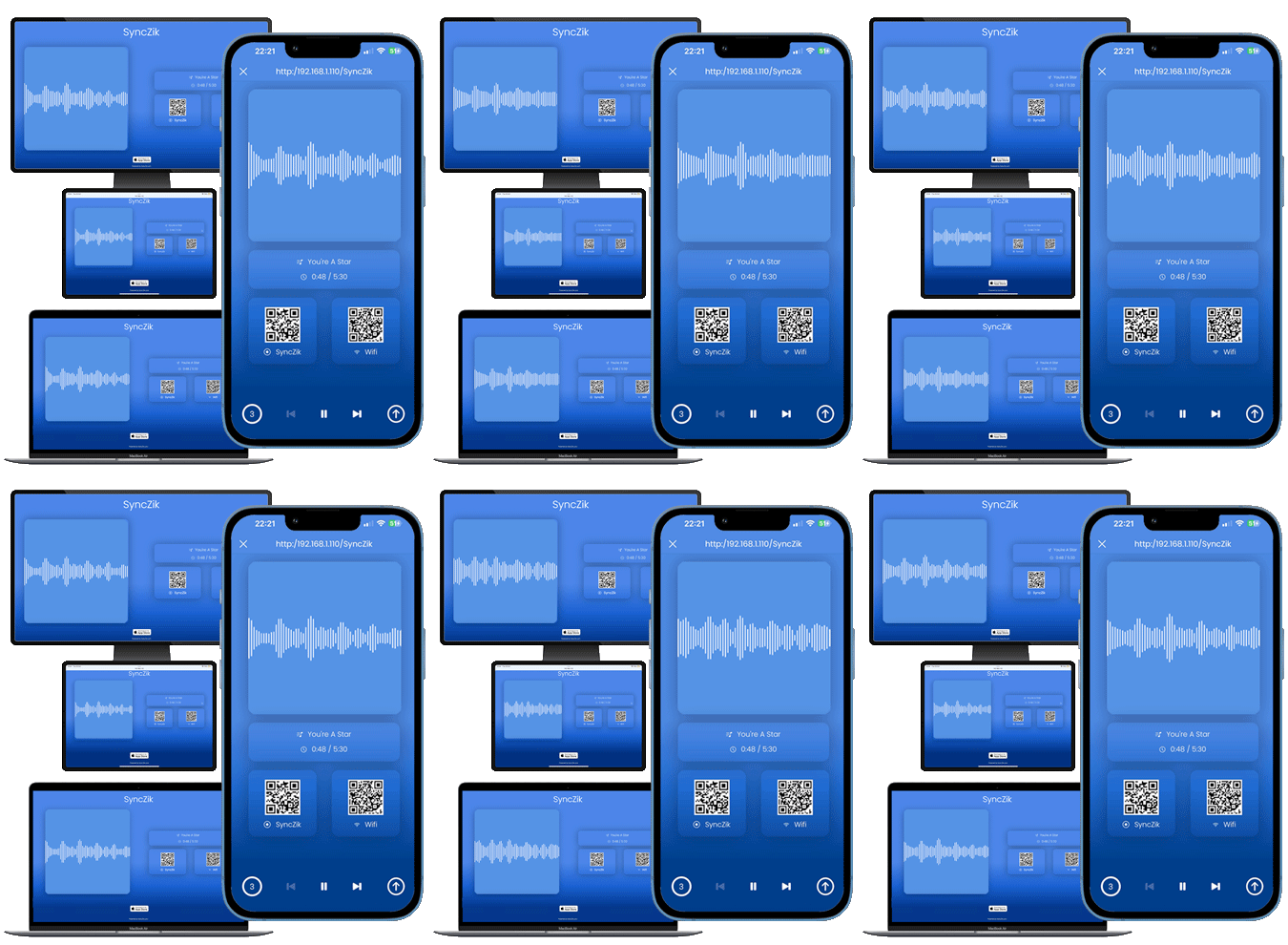
With SyncZik, your friends don't have to download nor install any third party software; all they need is just a simple web browser
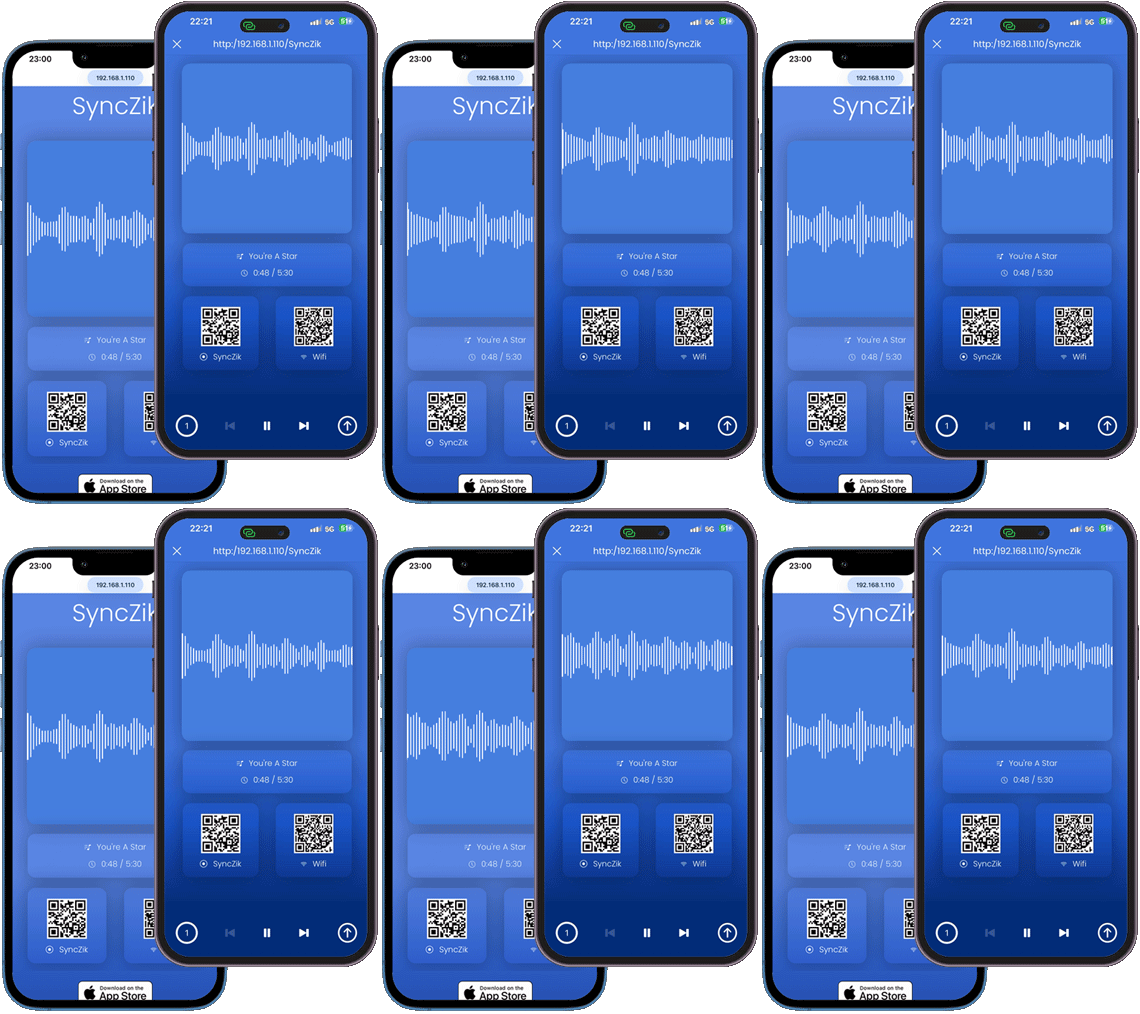
If there is no internet connection nor wifi network in your vicinity, that's not a problem.
You don't need an internet connection, nor to have an account on some platforms to be able to use the app and play your music in sync with your friends. If there is no wifi around, just create a personal hotspot and you are ready to party!
Here you can find the answers to the frequently asked questions regarding SyncZik
You must keep the SyncZik page open and visible on your browser, or your device will be disconnected from SyncZik and become 'Offline'.
Your device is out of sync because it doesn't have the necessary resources to process the information recieved on time. To help with the sync process, it is recommended to:
Close all the tabs in your browser.
Quit and restart your browser.
Close all the non-necessary apps running on your device, that use resources and/or internet bandwidth.
Reload the SyncZik page.
Use the Safari or Chrome browser for optimal results.
SyncZik should be compatible with all modern web browsers, however it hasn't been tested thoroughly on all of them because of pratical reasons.
Use the Safari or Chrome browser for optimal results.
SyncZik tries its best to prevent your device from going into sleep mode. If your device however is still going into sleep mode, change the sleep settings in your device settings.
Use the form below to contact us and have answers to your question(s).
If you are experiencing a problem with SyncZik, please use the form below to contact us and report your issue(s).